
2026-07-13
You shipped three products this month. Support shouldn't need three inboxes.
Side projects pile up. Questions scatter across email, forms, and half-finished chat widgets. Here's a simpler way to keep it all in one place — plus 30% off with code VIBECODING.
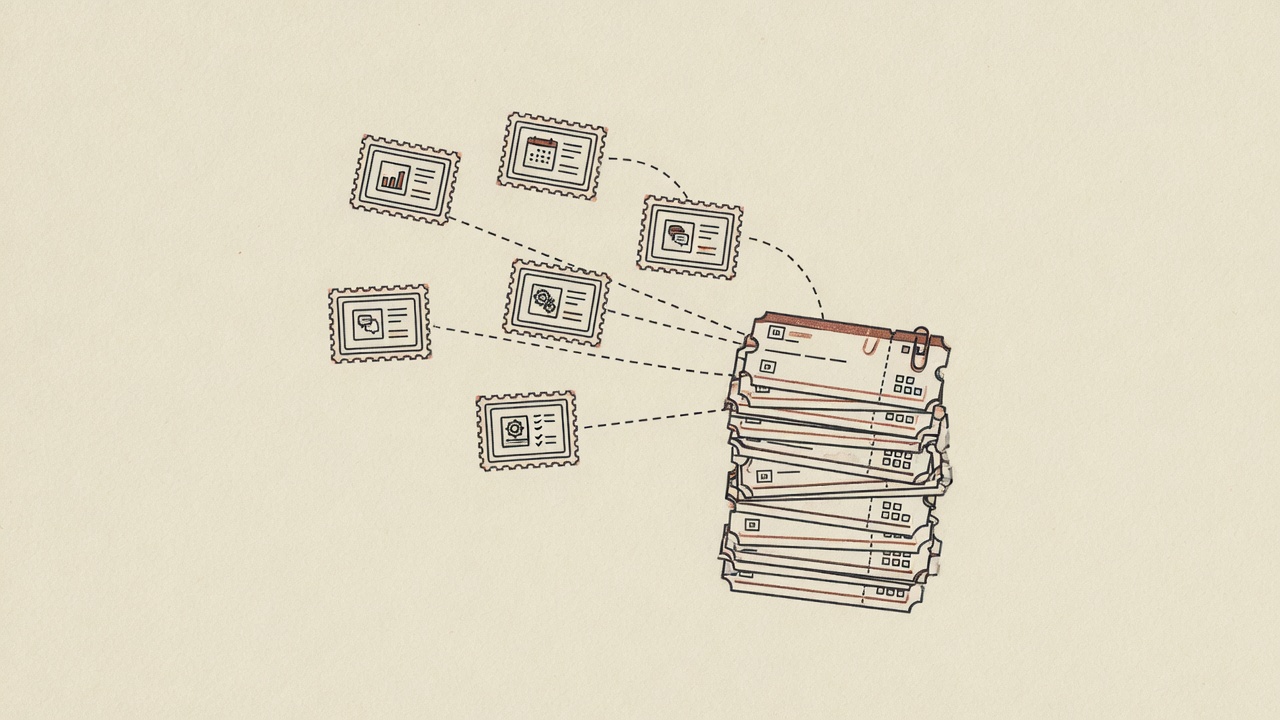
Friday feels like magic. Monday feels like admin.
You know the pattern. Prompt, ship, domain, done. By the end of the week there are a few live things out there — a tiny SaaS, a tool for a friend, something half-jokey that people actually started using.
Then the messages show up.
One person asks about billing on product A. Someone else is stuck on product B. Product C still routes through a Google Form nobody opened since last Tuesday. None of this is hard, exactly. It's just… everywhere. Every product got its own front door, and now you're the one walking between them.
The shipping part got easy. The "where do people ask for help" part didn't.
What you actually need (and what you don't)
Honestly, most small products don't need a full support department. They need three boring things:
- Answers to questions already on the site ("how do I…", "does this include…")
- A form when someone has a real request — demo, waitlist, "this is broken"
- A way for a human to pick up the thread when the automatic answer isn't enough
That's it. Not a six-month platform project. Not five logins. Just one calm place to handle it.
Desks, not a new app per project
DeskQ thinks in desks. One desk ≈ one product.
For each one you can:
- Point it at the product URL so it reads the pages you already wrote
- Add FAQs and a few always-on rules (refunds, tone, what never to invent)
- Drop the chat embed on the site
- Use Form studio when you want a branded form instead of (or next to) chat
When chat needs a human, or someone submits a form, it becomes a ticket — usually email to the inbox you already check, with context attached. Nobody's jumping into the widget as a live agent. It's simpler than that, and that's the point.
Plans, said plainly
- Free — one desk. Chat + Form studio. DeskQ branding stays on. Good for trying the loop.
- Growth ($79/mo) — three desks, more AI replies, a few seats. This is where multi-product usually starts to feel sane.
- Pro ($199/mo) — up to ten desks, higher limits, option to remove DeskQ branding.
If you've got one product, free is enough to learn the muscle. If you've got a little portfolio, Growth or Pro is the honest answer. Full table: pricing.
A weeknight setup that doesn't feel like a project
- Paste the product URL. Let it train on what's public.
- Fix the two or three pages that contradict each other — bad docs make a confident wrong answer, and that feels worse than silence.
- Add a keyword or two for "refund", "cancel", "talk to a human" so it stops guessing and hands off.
- Install the embed. Add a form on the marketing page if leads matter more than chat there.
- Next product? New desk. Same account. Same ticket habit.
The widget can pick up colors from the host page, which helps when every side project looks different and you don't want a random blue bubble sitting on a cream landing page.
Why "just add a chatbot" often disappoints
Generic bots don't know your half-finished docs, your pricing experiment, or the feature that only exists on staging. A desk trained on that product's site at least starts from the same pages a careful human would open.
Still: if the site is a mess, the answers will be a mess. Twenty minutes of cleanup beats a six-week "AI support initiative" every time.
And for the record — DeskQ doesn't claim magic sync with Zendesk, Linear, or Intercom. Handoff is tickets and email. That's intentional for people who already live in their inbox.
Code VIBECODING — 30% off, for keeps
If this is how you ship — lots of small products, not one enterprise queue — use promo code VIBECODING at Stripe Checkout when you upgrade.
- 30% off Growth or Pro
- Forever (the life of the subscription, not a one-month stunt)
- Free plan stays free; the code is for when multi-desk or volume actually matters
If something glitches at checkout, say so here and mention the code. Better to fix it than invent a workaround.
A setup that survives product #4
- One desk per live product (or per brand, if two domains share the same story)
- Forms on marketing pages; chat where people get stuck mid-use
- Keyword rules for money and frustration words
- One ticket stream so product B doesn't die in a forgotten Typeform
You're not trying to look like a support org. You're trying to stop the juggle.
Next step
- Start free — train the first desk from a URL
- See pricing — Growth or Pro when multi-desk is real; enter VIBECODING for 30% off for life
- How DeskQ works — chat + forms, one inbox
Questions? Contact DeskQ.
Internal links that keep the stack simple
- Free plan: what it is good for
- Intercom alternative for small teams
- Compare helpdesks honestly
- Pricing — Free, Growth $79, Pro $199
One login, separate desks per product, forms + chat per desk. That is the whole play.